Seven Annual Reports, conference program booklets, and event signage. Designed in InDesign, delivered print-ready.
How I approach it
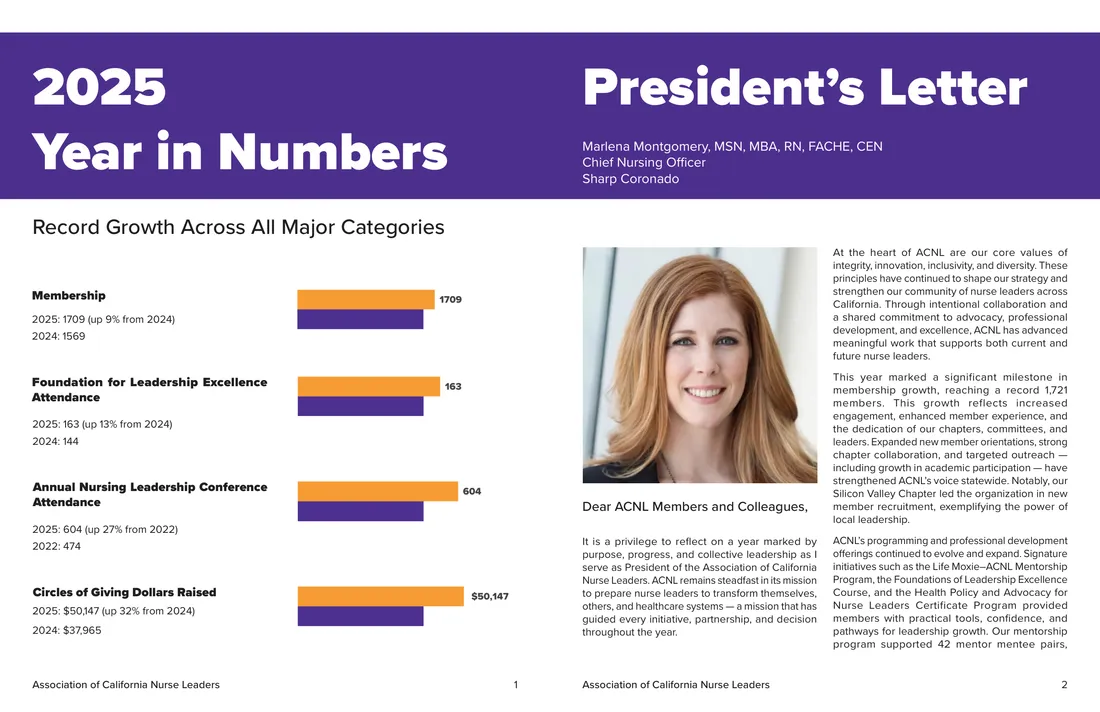
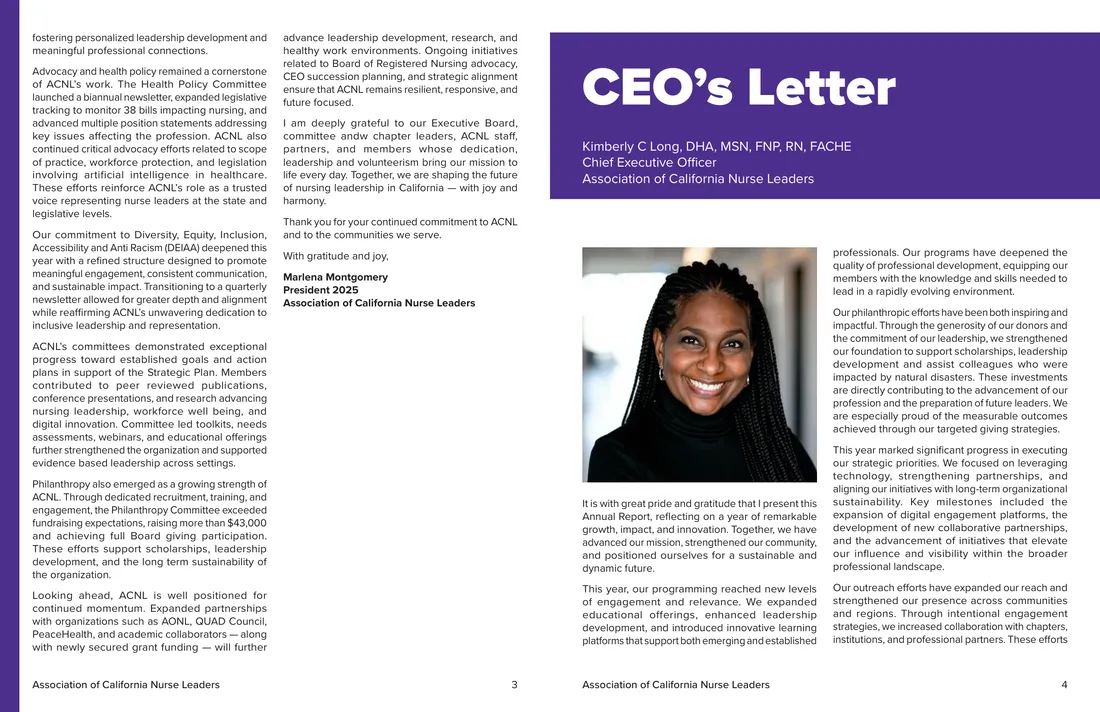
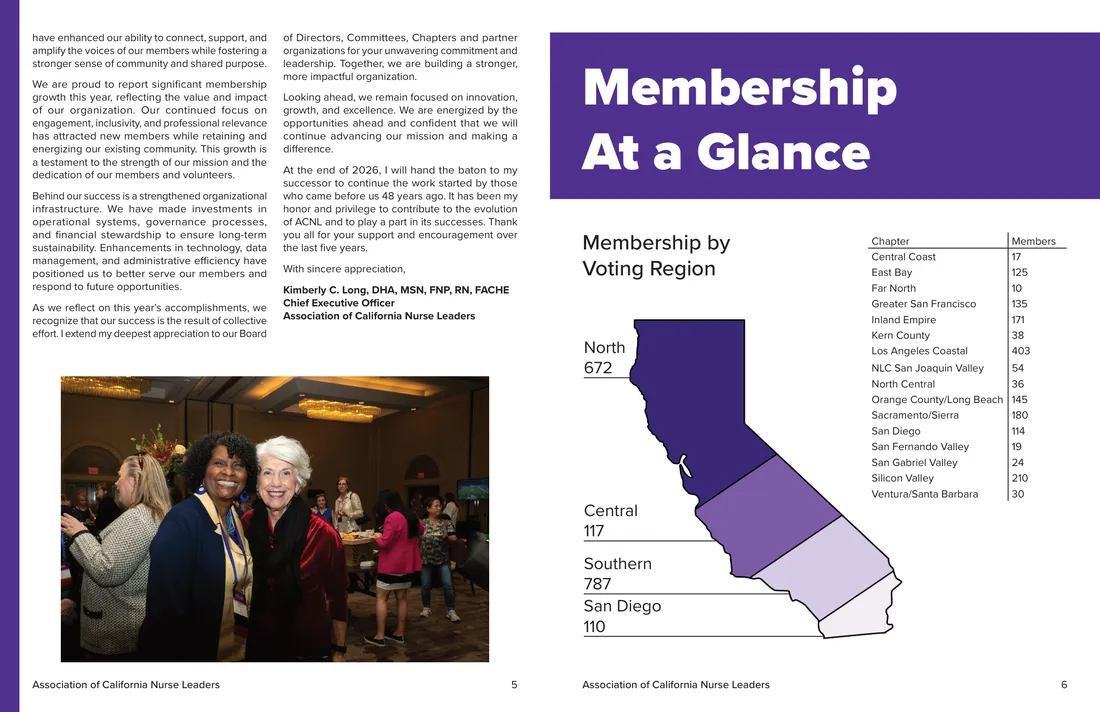
Print is where the deadlines are immovable and mistakes can’t be cheaply or easily fixed. I laid out seven Annual Reports in Adobe InDesign, each one involving as much coordination work as design. I worked with the CEO and President to get their letters to the members, built the infographics with data from the membership coordinator, and obtained donor lists from the philanthropy coordinator.
The Annual Conference collateral was a similar story, working closely with the planning committee to develop the initial concept, gathering all the headshots and bios and other materials the graphic designer needed for the awards booklet, and ensuring that everything was designed to spec and handed off to the right people ahead of deadlines to keep the conference running smoothly.
Samples
Finished pieces across annual reporting, recruitment, fundraising, and events — then the full story of one, start to finish.
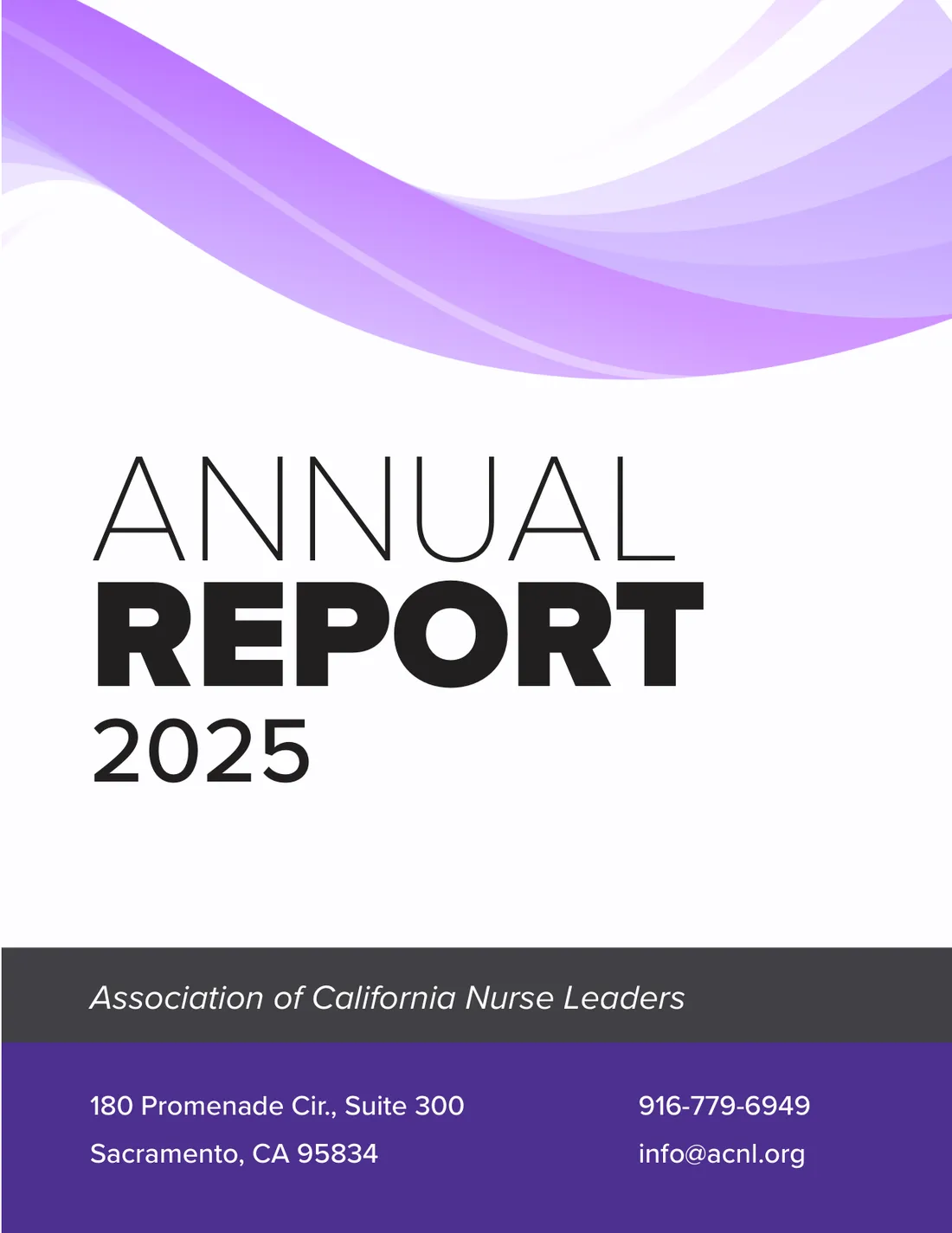
The Annual Report
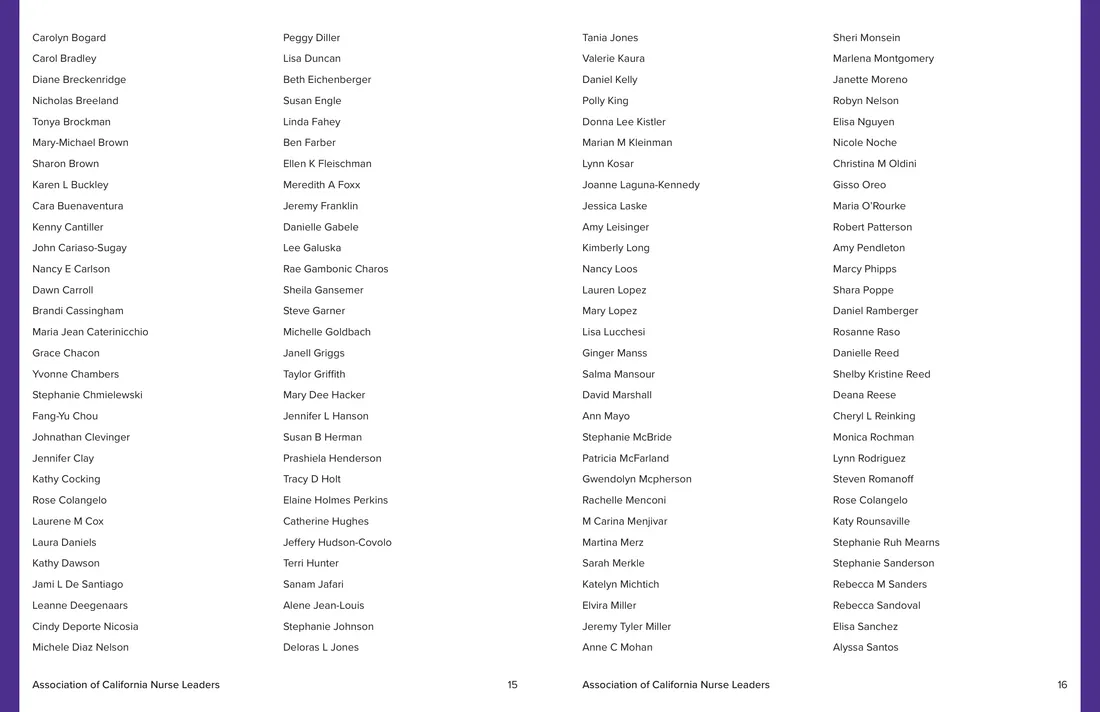
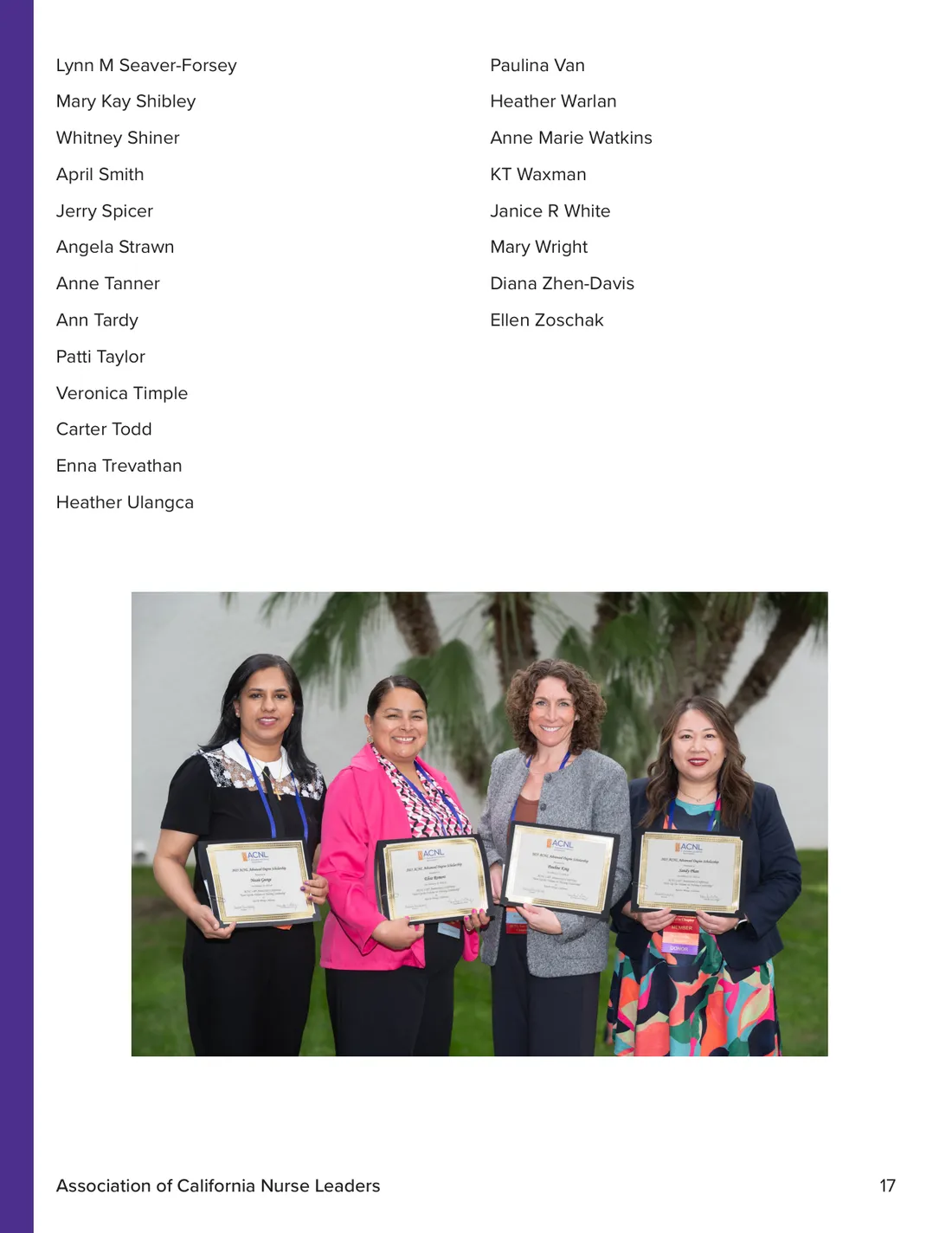
Seven of these across my tenure, laid out in InDesign. Click the cover to page through the whole 2025 report.
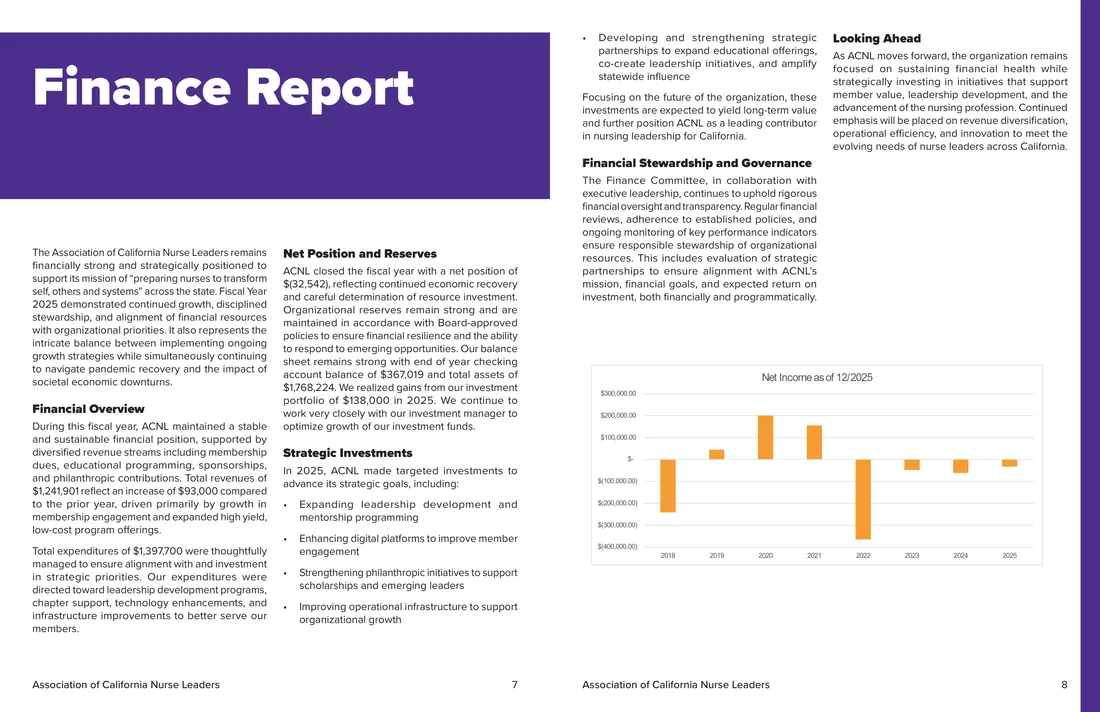
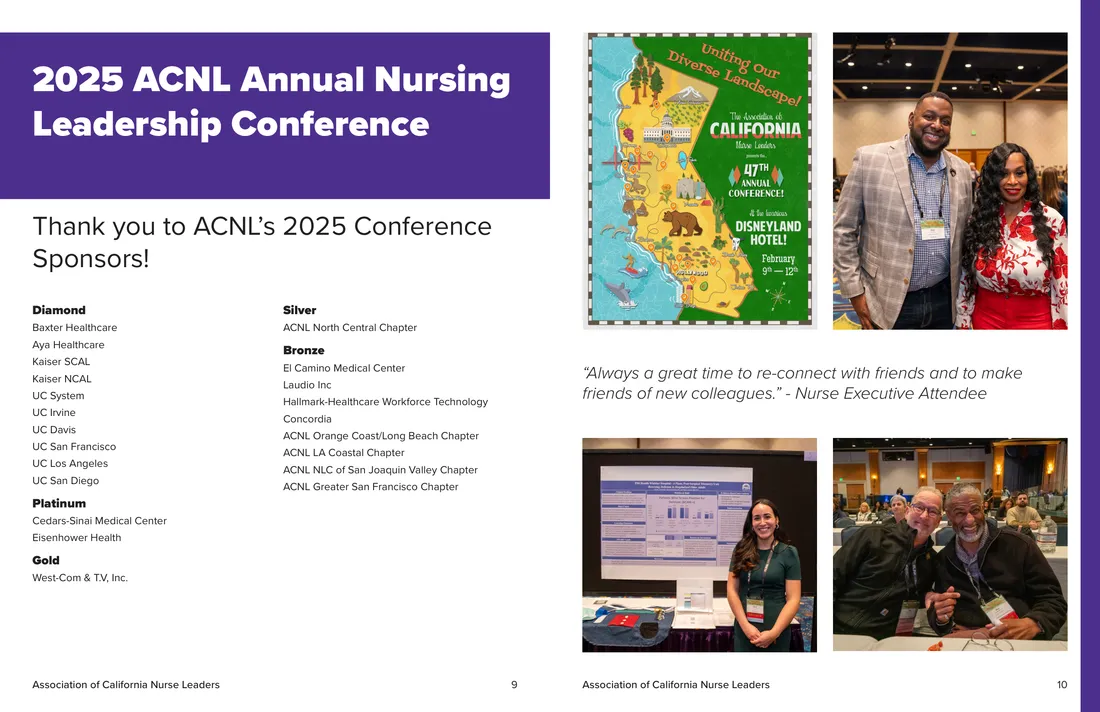
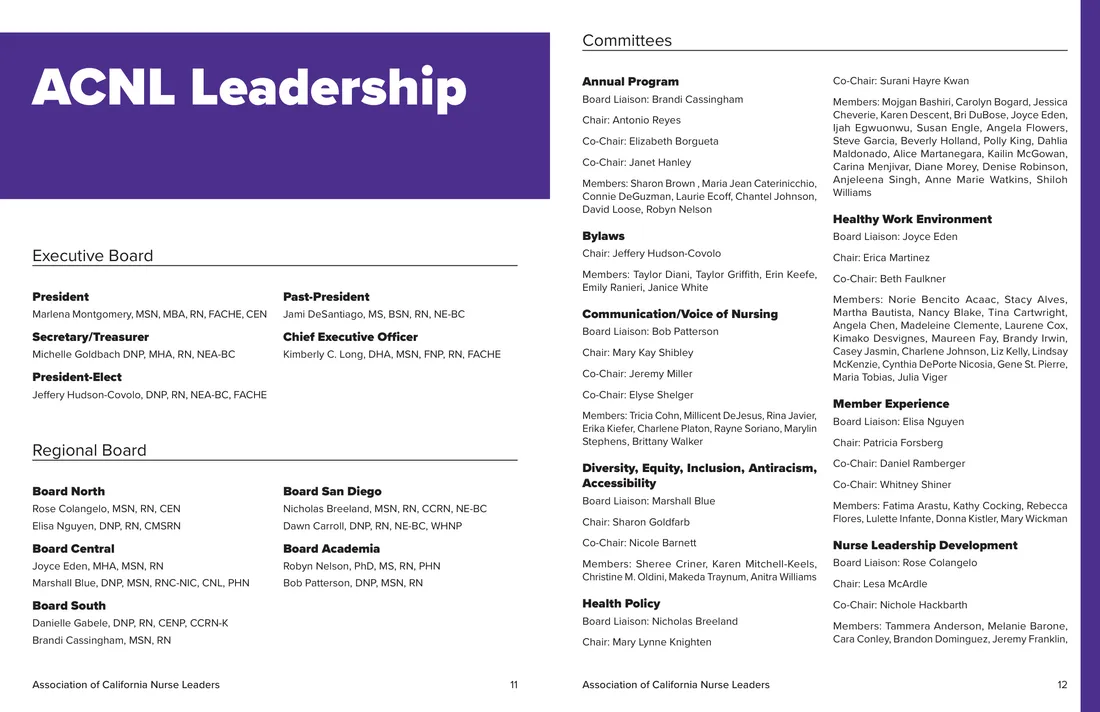
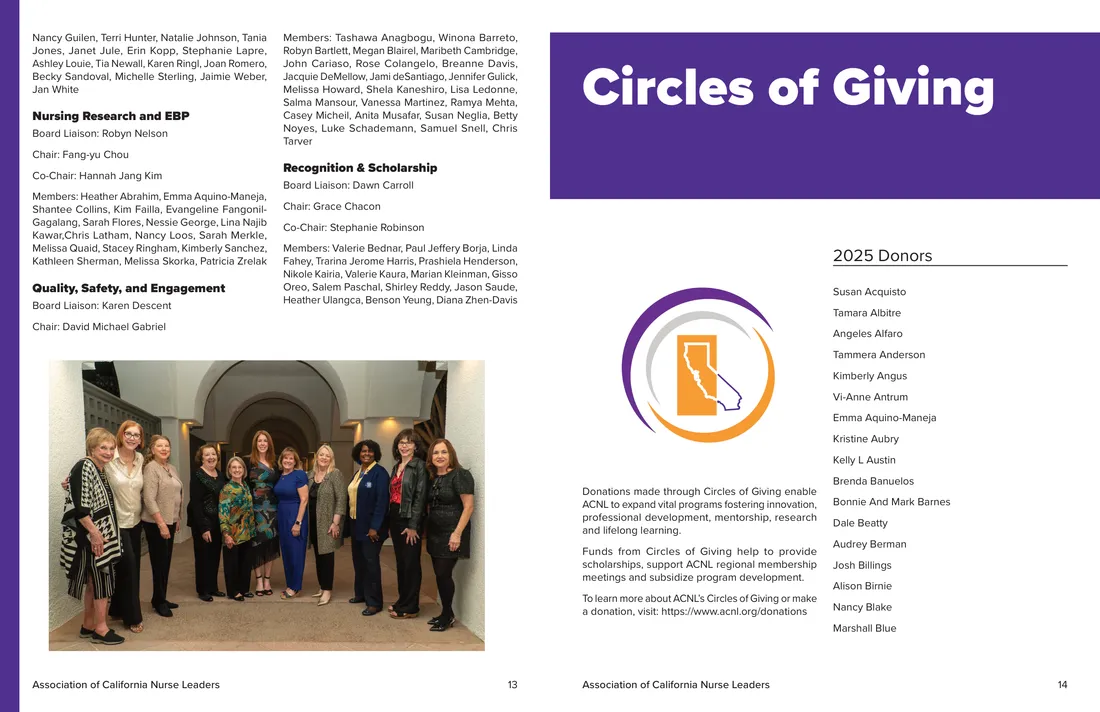
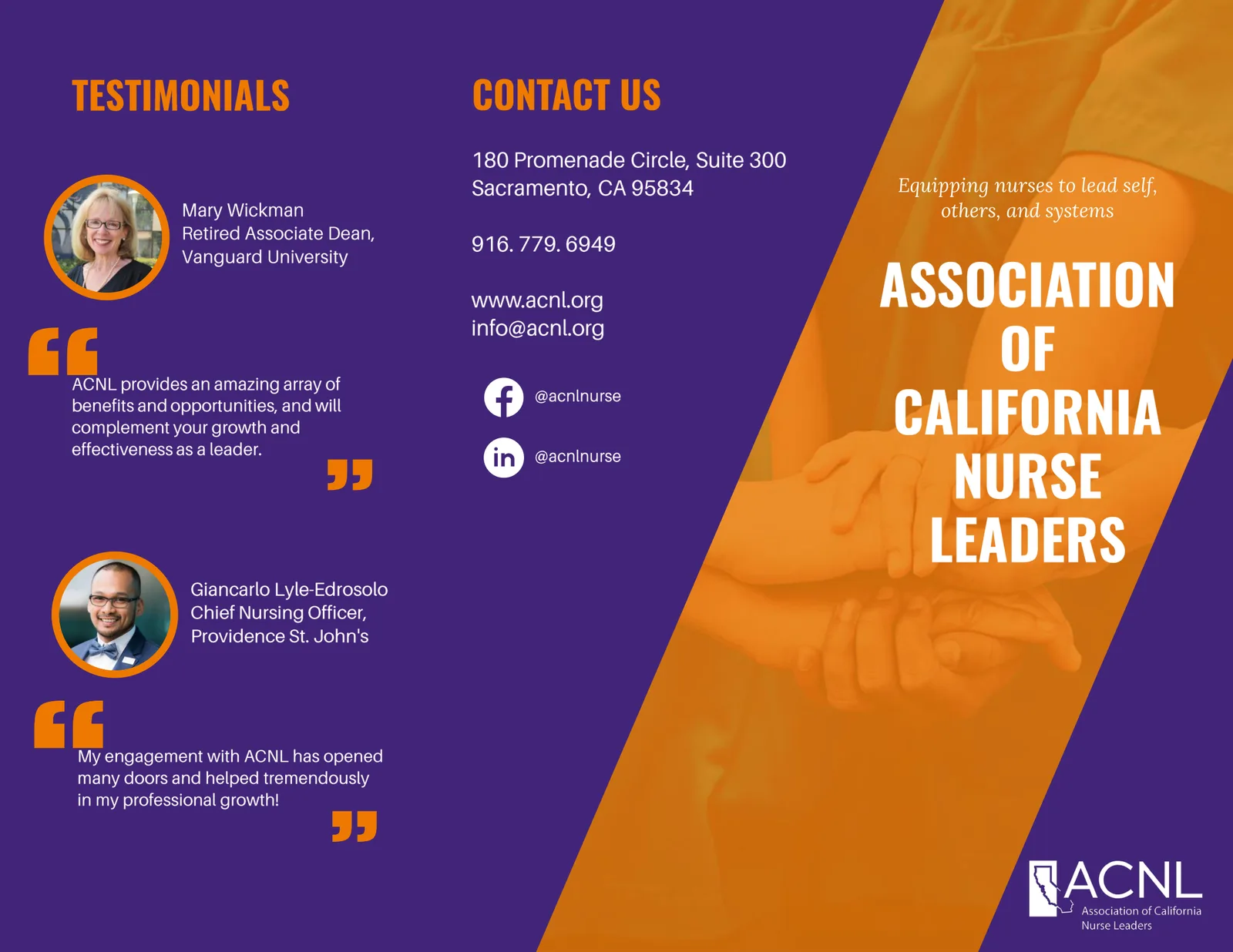
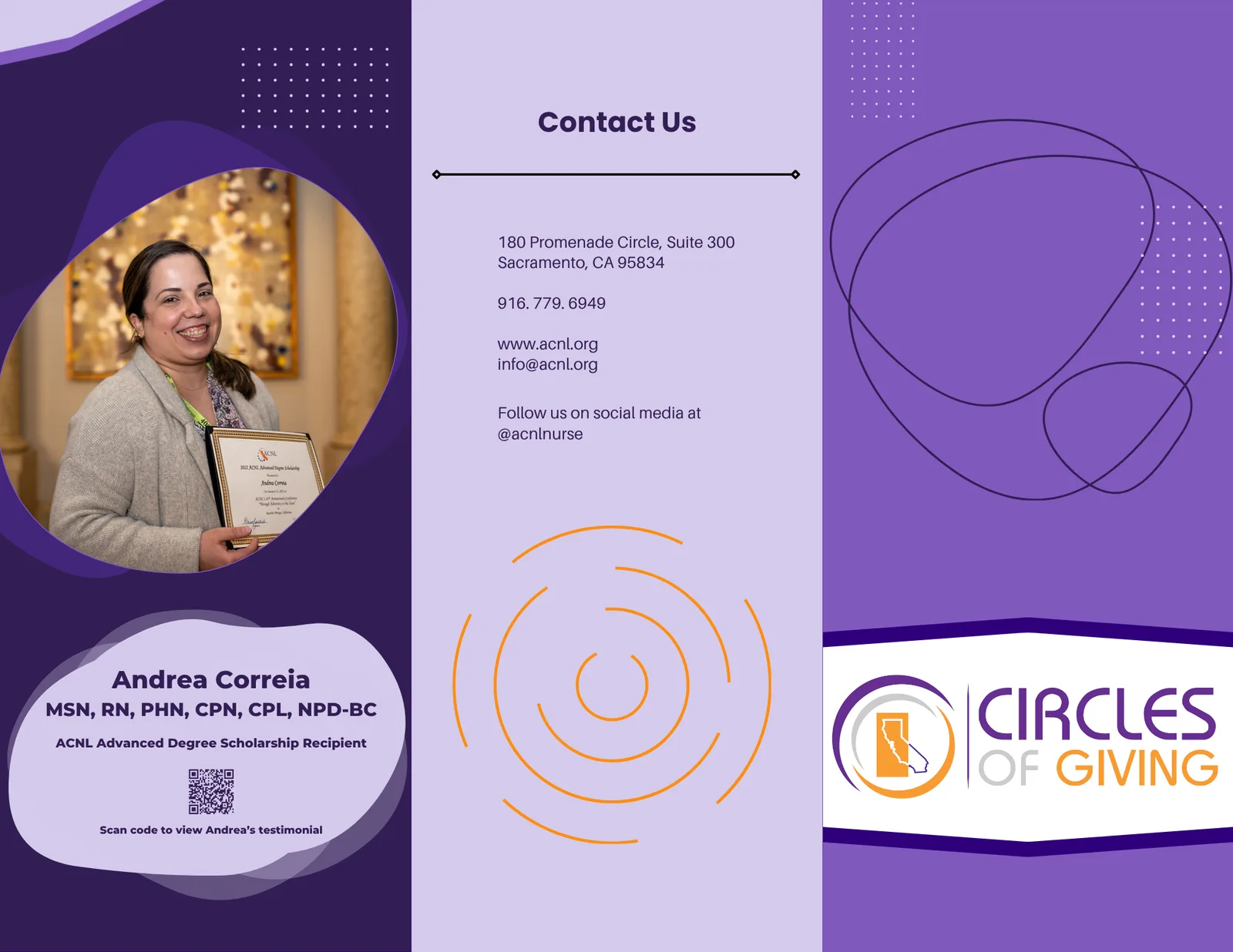
Two tri-folds: membership and giving
The tri-fold brochure, the everyday workhorses of a small nonprofit. I developed a membership brochure to recruit nurse leaders, and a Circles of Giving brochure to raise money for the scholarship fund. Both are laid out to fold, print, and hand out. Click either to see the full outside-and-inside.
The Nurses Week appeal
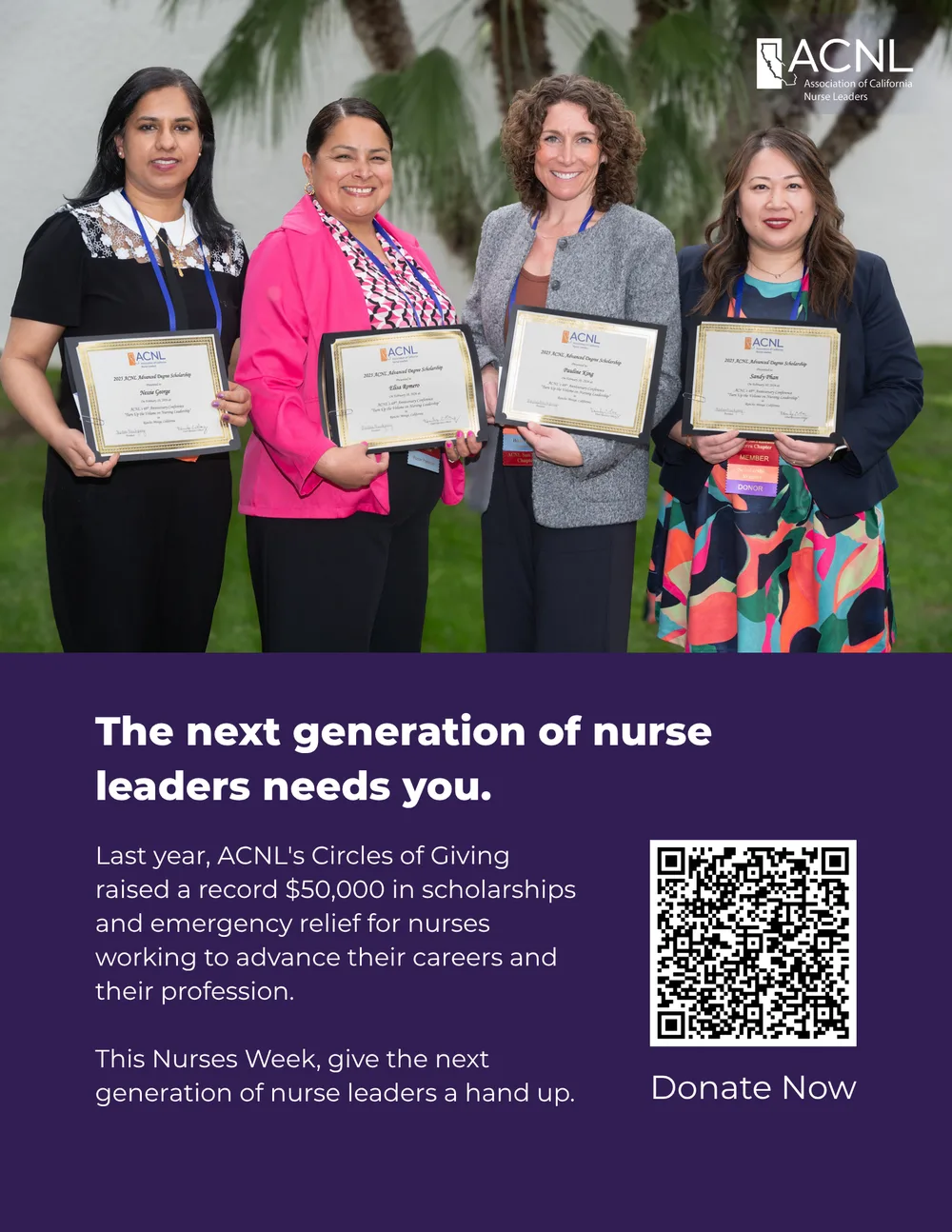
A single-sheet donation poster for Nurses Week. the scholarship winners up top, the record raised, and a scan-to-give code. One page that has to do the whole ask.
The full process, start to finish
The pieces above are the finished artifacts. For the whole workflow, including concept, an InDesign template system, the Photoshop design layer, a day-before addendum, and the print-ready PDF, read the North Central symposium booklet case study.