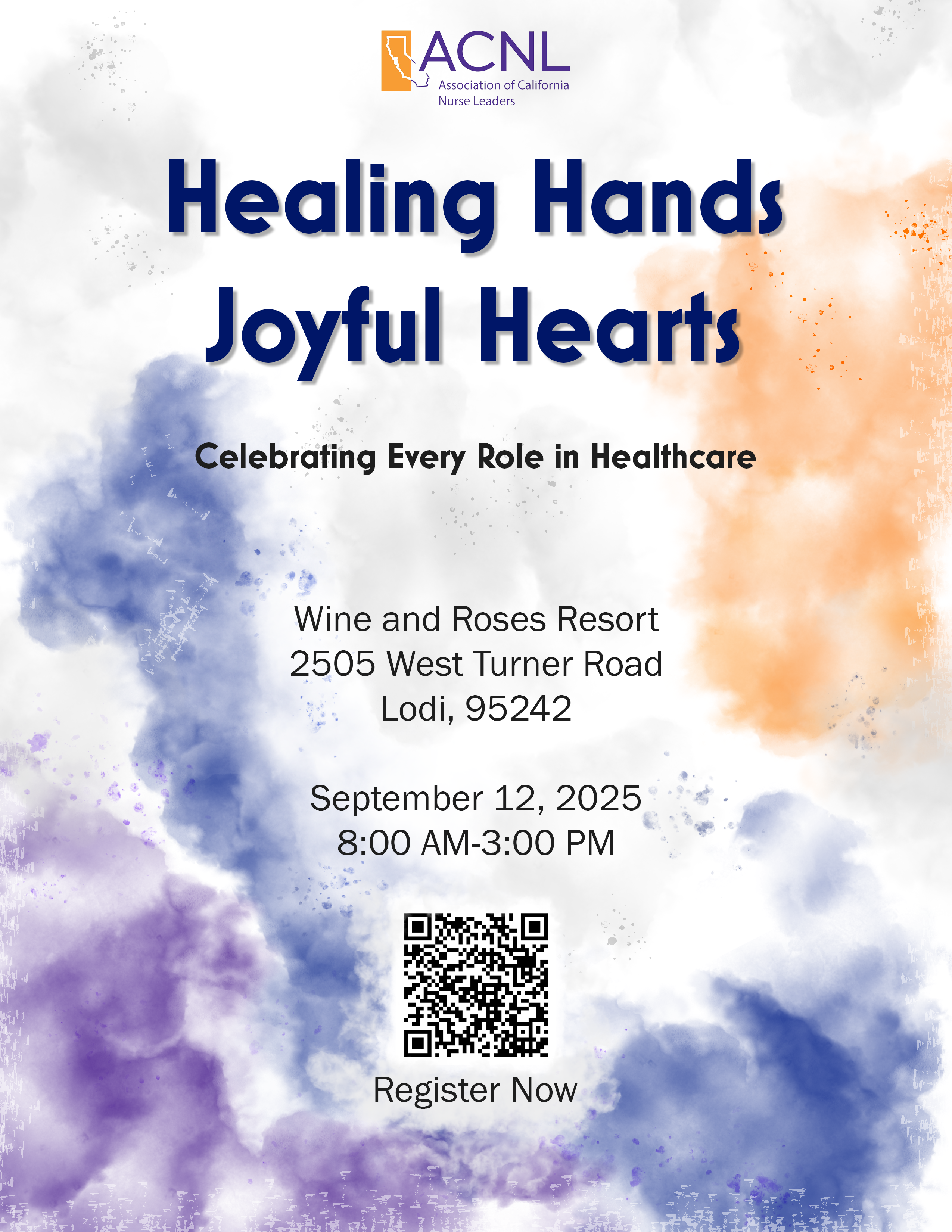
2025 North Central Chapter Symposium
Healing Hands, Joyful Hearts
The North Central ACNL Chapter needed almost a full annual conference worth of marketing collateral in roughly two weeks. I took care of it, even with last-minute speakers, sponsors, and a day-before addendum.
Wine & Roses Resort, Lodi · September 12, 2025
The setup
This was a project I did solo for the North Central ACNL Chapter. Some time in late August, one of the chapter’s leaders told the state office that they were hosting a big symposium event in mid September, about three weeks out. Getting the event created, billing set up, and sponsors wrangled was thankfully not my responsibility, but they did want a 12-page booklet with the agenda, chapter board, bios for all the speakers, scholarship list, and sponsor list. And they didn’t need it in three weeks when the symposium was to be held, they needed it in about two weeks so they could get it to the print shop in time.
For a project of this size I would normally work with our contract graphic designer, but it was too short of notice for him so I took it on myself. The event title had already been decided (“Healing Hands, Joyful Hearts”), but the chapter leader didn’t have a visual concept yet, other than, if I couldn’t help him, he would just type everything up and print it on blue paper. Which, honestly, almost felt like a threat.
The concept
I spent a lot of time thinking about the event’s title and how to match it visually. I decided it should be something simple, clean, relaxing. I settled on an abstract watercolor theme with ACNL’s purple and orange brand colors.
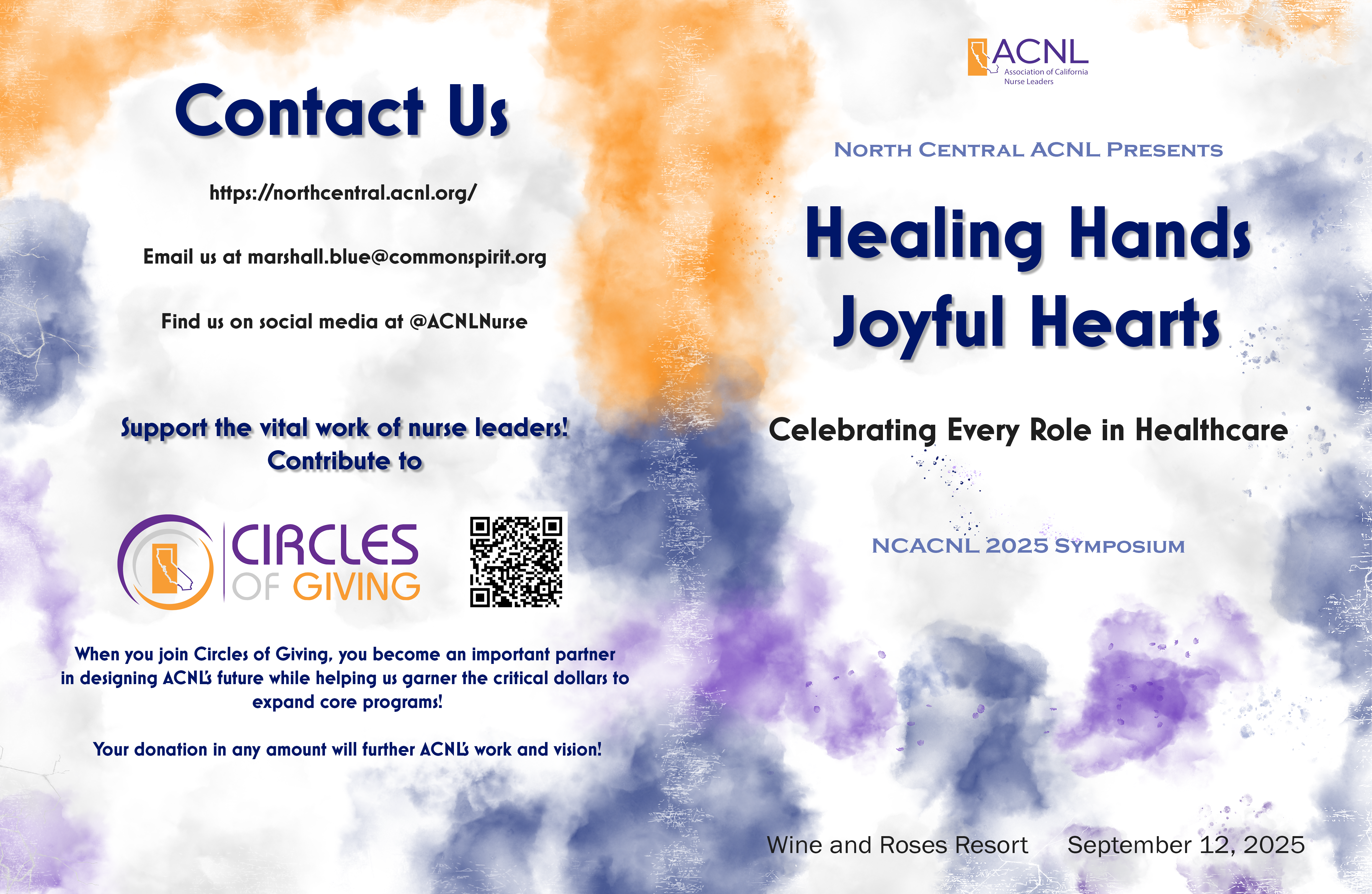
The system
The design became a bit of a moving target. The chapter leader I was coordinating with was still in the process of adding last minute speakers, securing sponsors, and deciding how many scholarships they were giving out and to whom.
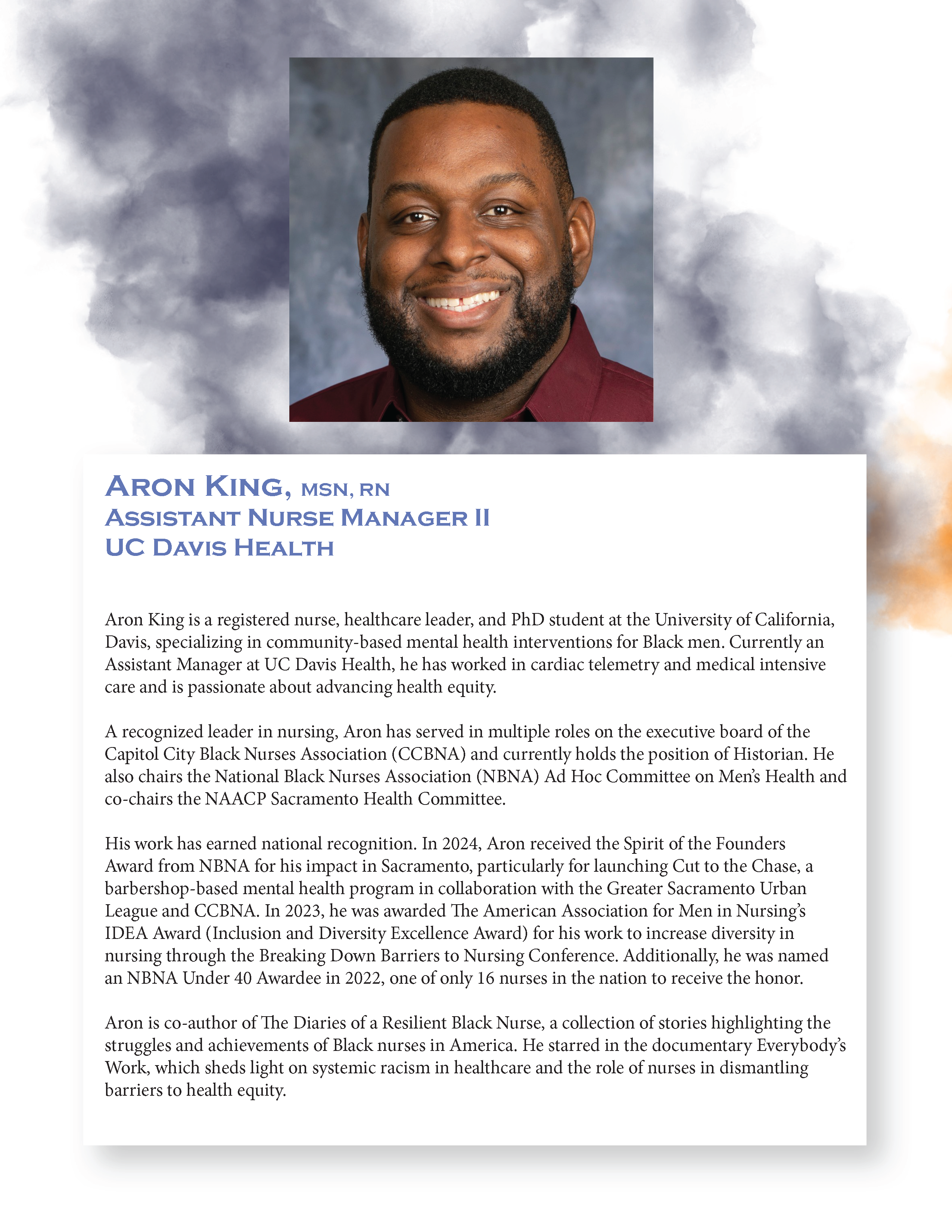
I took what elements I had and tried to at least get the system in place so it would be easier to add new elements as they came. I laid everything out in InDesign with clearly defined text styles for headings, speaker names, etc, as well as consistent sizes for all the headshots (which came to me in a dizzying array of formats).
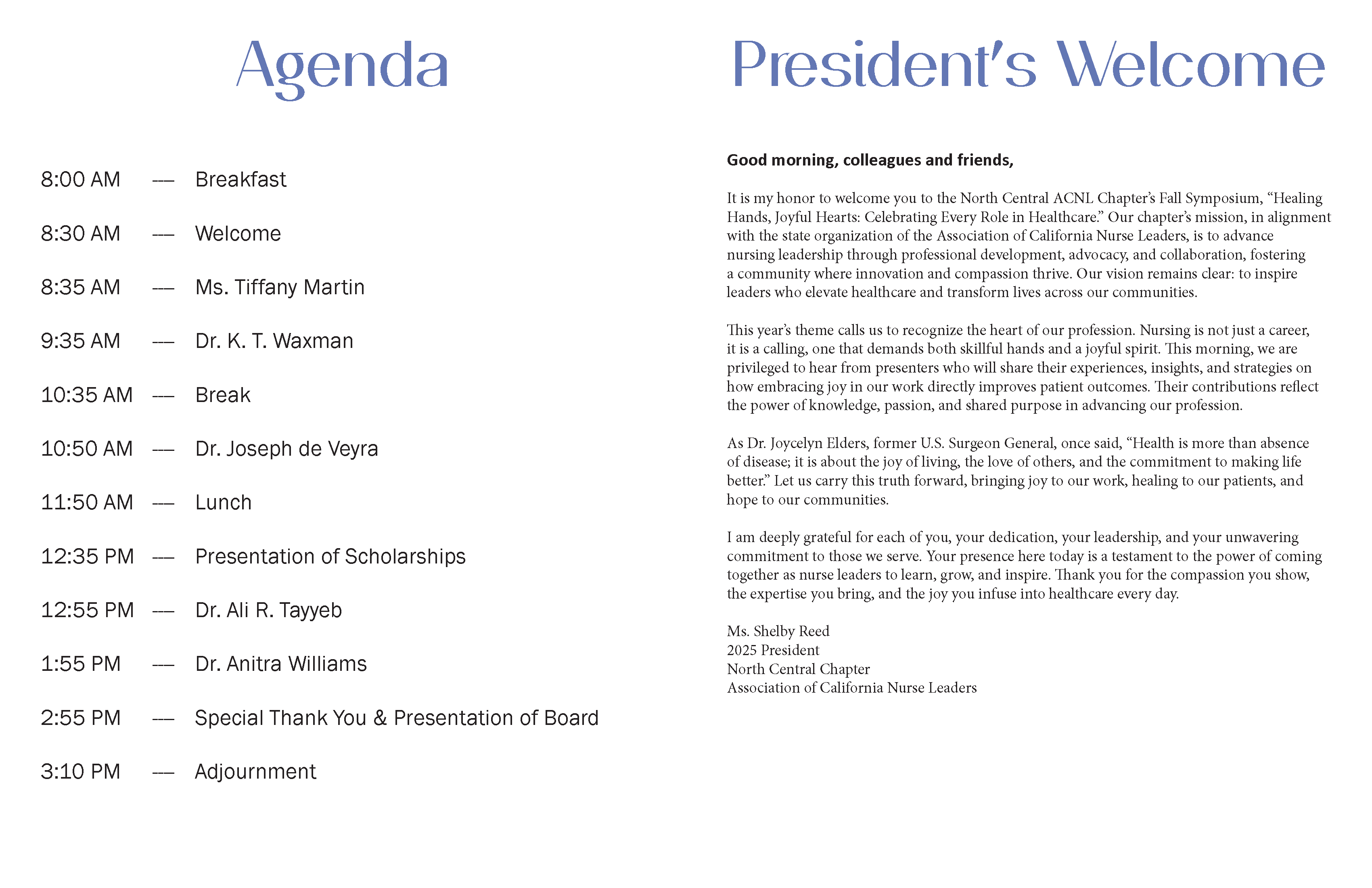
This gave me the option to shift things around as my contact added content. However, I also made sure to contact the print shop and find out when would be the latest they could accept the document for printing, and gave the chapter leader a hard deadline for when I would need everything to get it done in time.
The design
Once he had everything to me, I imported each InDesign spread into Photoshop and designed around the text layers.
The booklet
Then I exported the blank pages from Photoshop and brought them back into InDesign to finish the booklet and create the PDF for the print shop.
Healing Hands, Joyful Hearts — Symposium BookletThe addendum
But my work wasn’t done there! One day before the event, after everything had already been printed and picked up, the chapter leader added another speaker and three more sponsors. He wanted me to create an addendum that they could just print out on an office printer and slip into the booklet. Because I already had the system in place, I was able to get it done in time.
The flyers and poster
Along the way, he had also requested a couple flyers they could distribute, as well as a 36x48” poster for onsite registrations.